

1PCS Display Digital Flowmeter With Temperature Measuring
Product details
| Management number | 208134223 | Release Date | 2026/03/22 | List Price | $39.99 | Model Number | 208134223 | ||
|---|---|---|---|---|---|---|---|---|---|
| Category | |||||||||
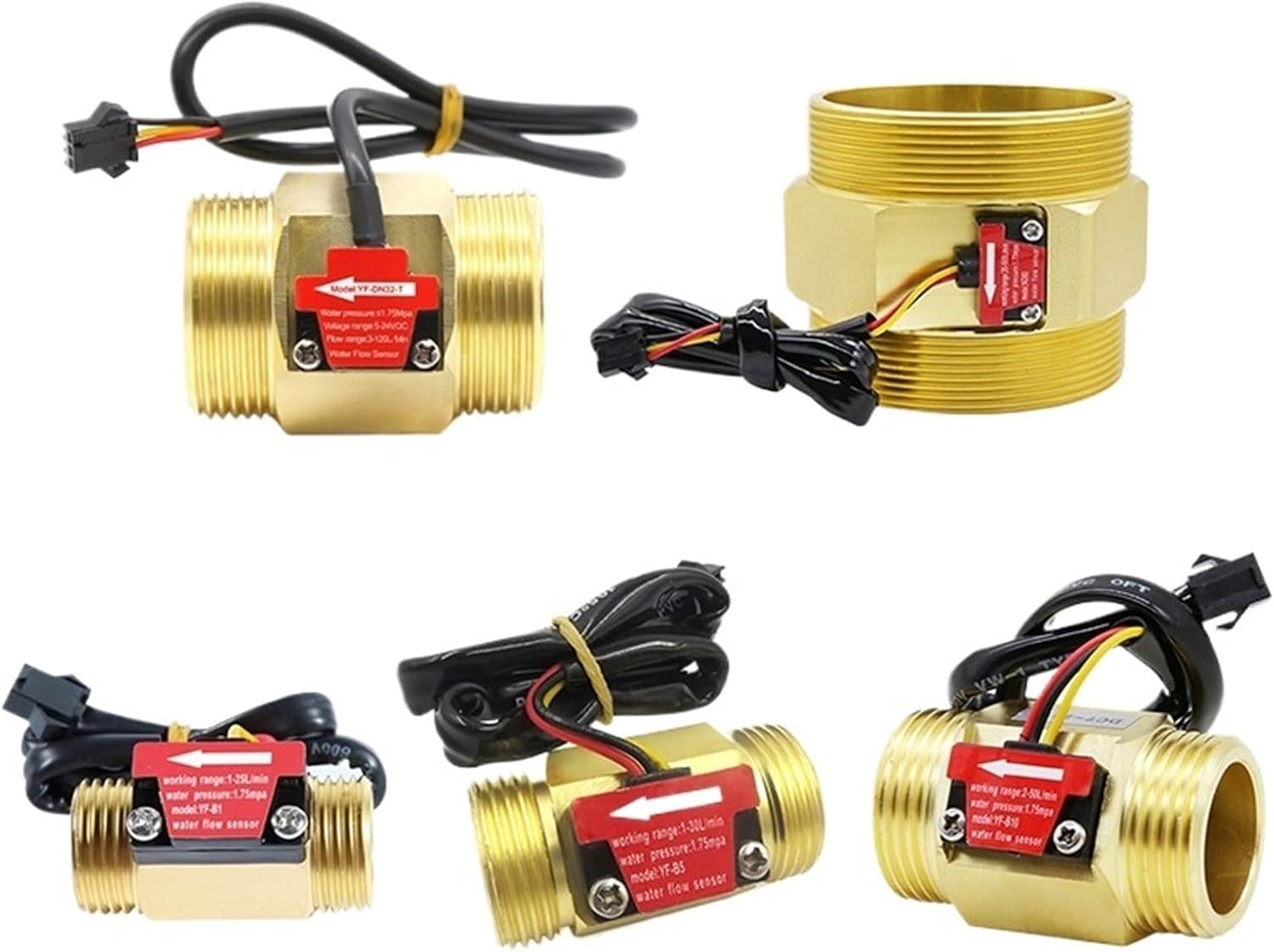
Air Flow MetersNot offer battery. Air shipping not allow. Thank you for understanding.First, the key definitionPress the key from the left to the right for the set key "SET", plus the key "+", minus the key "-".Second, show instructions1, temperatureThe temperature display range is -99 ° -999 °, the unit C is the Celsius temperature, and F is the Fahrenheit temperature. The temperature unit can be switched by pressing the "+" key.2, the use of time / flow rate displayFlow in the flowmeter mode will automatically jump to the flow rate display, no water out of time display the total time (only in water pressure mode display time). The total time unit DAY that days, HRS said hours, time units can press the "+" key to switch.The flow rate unit LPM means "liters / minute", GPM stands for "gallons per minute" and can be switched by pressing the "-" key.The current interface number is displayed under other interfaces: 00 indicates the K value setting interface (K SETING).3, power tipsThe power prompt icon will be displayed when the battery is low and flashing, prompting the user to replace the battery. In the case of adequate power is not displayed.4, faucet animation (only flow meter mode)When water is detected, the faucet animation will begin to show water droplets.5, the total water consumption, flow rate displayThe total amount of water used in the unit L represents the rise, GAL means gallons, the unit can pass. When the total water consumption is less than 10000L (or GAL) will be accurate to the decimal point after the two, when the total water consumption is greater than 9999.99 L (or GAL) will hide the decimal point after the value. The maximum measurement 999999L (Note: to l as the quasi-if the unit set to GAL, is also full of 999999L cleared 0, that is, after the record 219969GAL cleared 0), after more than 0 from the re-measurement.6, K value set character (K SETTING)K value setting characters will be displayed when entering the K value setting interface.7, the total flow character (TOTAL) (only flow meter mode)When the system is operating in flowmeter mode, the total traffic character is displayed under the main interface.Third, set and interface description1, the main interface and the main interface settingsThe main interface will display the characters TOTAL, total water consumption, temperature, total use time.Press the "SET" key in the main interface to set the total elapsed time. Press the "SET" button to always use the first time will flash the first number, short press "+" flashing number will increase; short press "-" flashing number will be reduced by 1; short press "SET" key to switch to The next digit. Set long after long press "SET" button to save the settings.Note: When setting the total elapsed time, the default is set in hours. The total elapsed time in the flowmeter mode and the total elapsed time in the barometer mode are independent.2, K value set interface and K value set interface settings (only flow meter mode)When the system is working in the flowmeter mode, press the "SET" key in the main interface to jump to the K value setting interface.K value setting interface will display the characters "K SETTING", interface number 00, K value.Press the "SET" key to set the K value under the K value setting interface. Press the "SET" button after the first value of the K value will flash, short press "+" flashing number will increase; short press "-" flashing number will be reduced by 1; short press "SET" key to switch to the next The number of bits. Set long after long press "SET" button to save the settings.Four other1, the system's sleep mechanism (only flow meter mode)In the use of battery interface power supply, in order to save energy and improve battery life, the system in the absence of operation and no water flow will enter the dormant state. After entering the sleep state, the display will automatically jump to the main interface and keep the display function. When the water flow automatically wake up into the measurement state.2, the total water consumption resetThere is a RESET symbol on the back of the board, with two contacts next to it. After the system is powered, the two short-circuit systems will clear the total water consumption.==========Hign-concerned Chemical : noneJoint Pipe Bore Size : 1/2"Coupling Type : Male BSPP ThreadMeasurement Range : 1-999999LModel Number : L2DIY Supplies : Plumbingmeter unit : Gal or LitreTempreture show display : -99~9999 Degree F / Cworking Temperature : 0-100 Degree CFlow Pulse : F(Hz)= 11xQ + - 5% Q=L/minTemp. sensor B value : 3950K at 25/50 deg. CTem Resistance : 50k Ohms at 25deg. C
- Air Flow Meters
- 1PCS Display Digital Flowmeter With Temperature Measuring
| Brand | ESXSWYDR |
|---|---|
| Model | ESXSWYDR |
| Exterior | Brushed |
| Item Weight | 1.76 ounces |
| Manufacturer | ESXSWYDR |
| Item model number | ESXSWYDR |
| Package Dimensions | 0.39 x 0.39 x 0.39 inches |
| Manufacturer Part Number | ESXSWYDR |

Bestseller ranking
Air Flow Meters



Customers who viewed this product also viewed
Women's


Correction of product information
If you notice any omissions or errors in the product information on this page, please use the correction request form below.
Correction Request Form